Register for an Account
When you register for LaunchBlitz, choose one of two sign-in methods:- Discord — Register using your Discord account.
- Solana Wallet — Register by connecting a Solana wallet and signing a verification request.
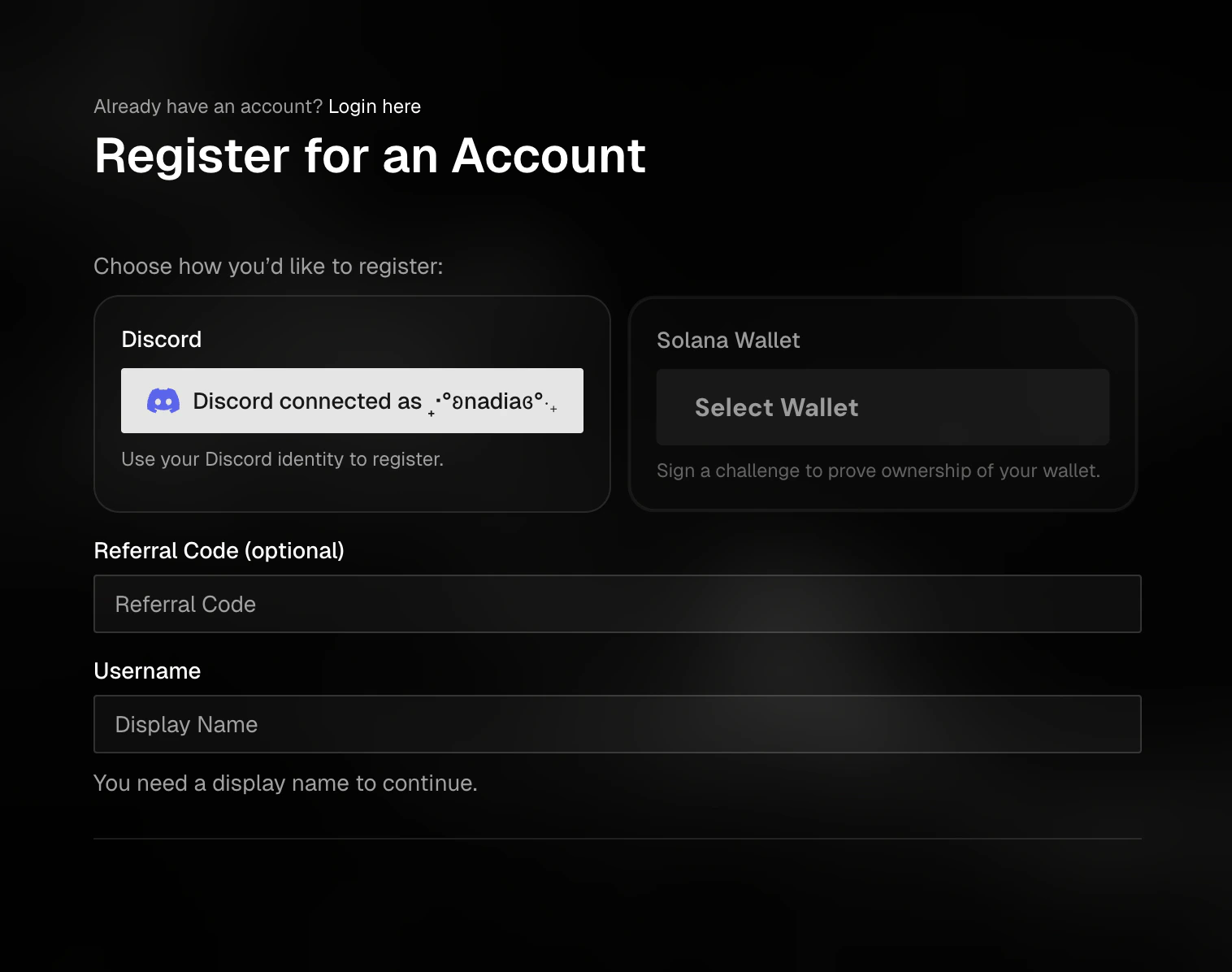
Choose Discord or Solana Wallet when creating your account.
Register with Discord
- Open the registration page
- Select Discord
- Click Connect with Discord
- Approve the Discord connection when prompted
- Enter your username
- Add a referral code, if you have one
- Complete the verification step
- Click Submit with Discord
Register with a Solana Wallet
- Open the registration page
- Select Solana Wallet
- Connect your Solana wallet
- Enter your username
- Add a referral code, if you have one
- Complete the verification step
- Click Submit with Wallet
- Approve the signature request in your wallet