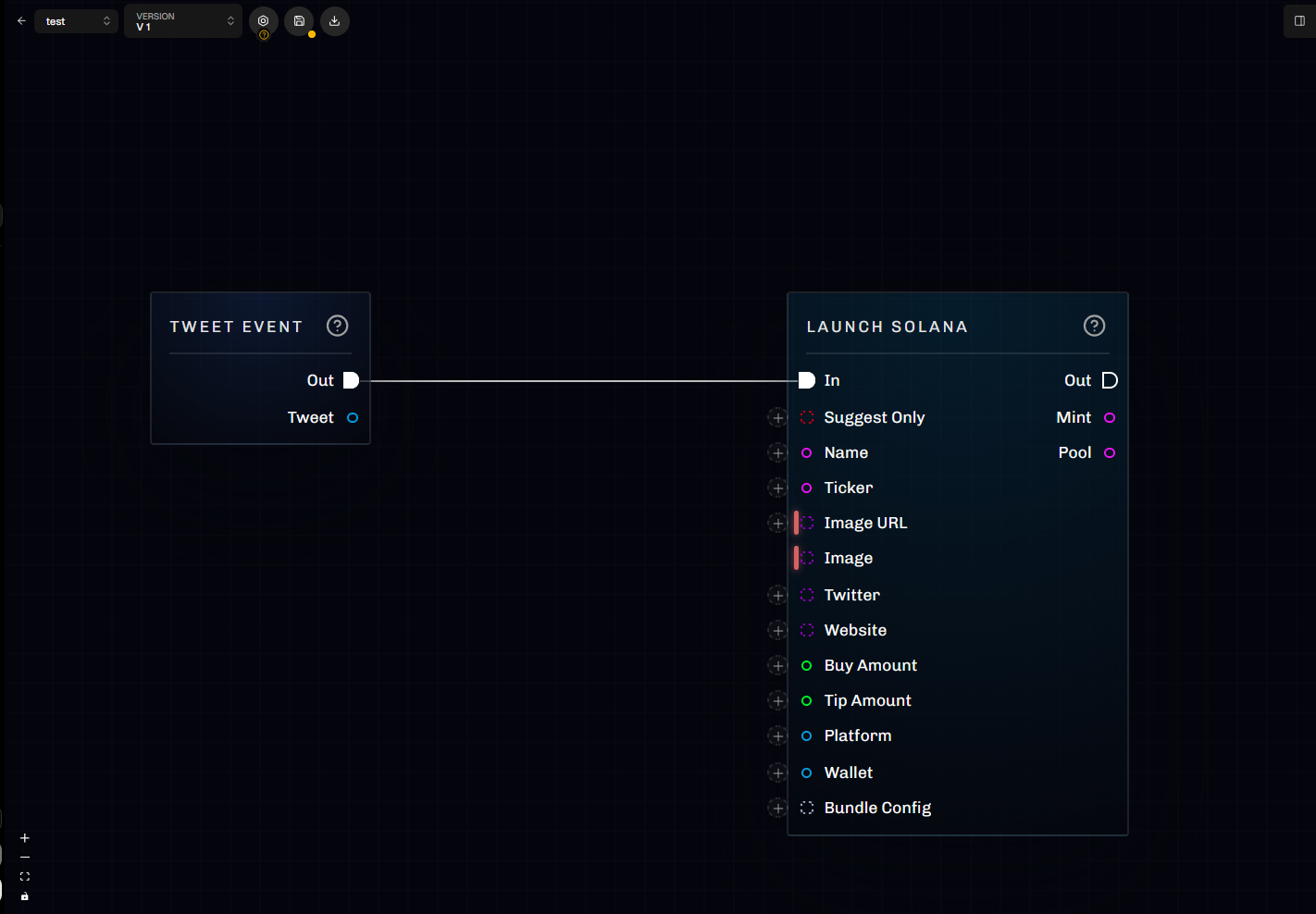
Build, test, and run event-driven automations in LaunchBlitz.
Scrapist is the visual automation workspace in LaunchBlitz. Use it to react to social events, apply filters and transformations, generate launch assets, and run actions such as trace notifications, trades, and token launches.
The graph editor combines the canvas with controls for building, testing, instances, and Scrapestein.
You want Scrapestein to revise a graph while preserving the selected version.
For a custom workflow, start by writing expected events and outcomes. Those examples become tests and make both manual and agent-assisted graph building more reliable.
An active graph can launch tokens, trade, or move funds without another prompt. Test the exact saved version and verify its wallets, amounts, platforms, and limits before activation.